Training diary since 2012
Your workout, the way you do it.
No catalogue of a thousand exercises to scroll past. You get a handful of basics to start with, and the rest is up to you — add the moves and machines you actually train with, and hide the ones you don't.
In Finnish and English · on your phone and your computer
How it works
A few basics to start. The rest is yours.
-
1
Make the list yours
The basics are already there. Rename them, hide the ones you don't do, and add that one cable move nobody else does.
-
2
Add your machines
The same move on a different machine is a different lift. Add the machines at your gym — with a photo if you like — so you always compare like with like.
-
3
Log it and beat last time
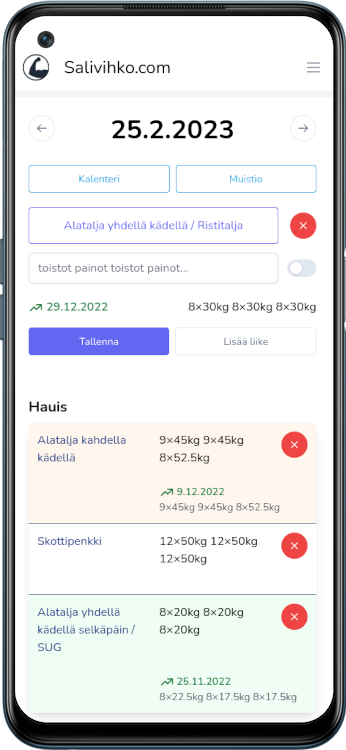
Pick a move and last time's weights and your record are already on screen. You know what goes on the bar before you touch it.
Know what to beat
Pick a move and Salivihko shows you how long it has been, what you lifted last time, and the record you are chasing. No leafing back through a notebook to work out what belongs on the bar.
Made for the gym floor
Nobody wants to fight their phone between sets. Type a whole move as one line of numbers and save it, or leave it and write the session up at home. Everything lives in the cloud, so a broken phone never costs you your history.
Progress you can see
Every set is scored, so a curl and a deadlift belong on the same graph even though their weights have nothing in common. Track your measurements alongside them, and watch years of training add up into a single curve.
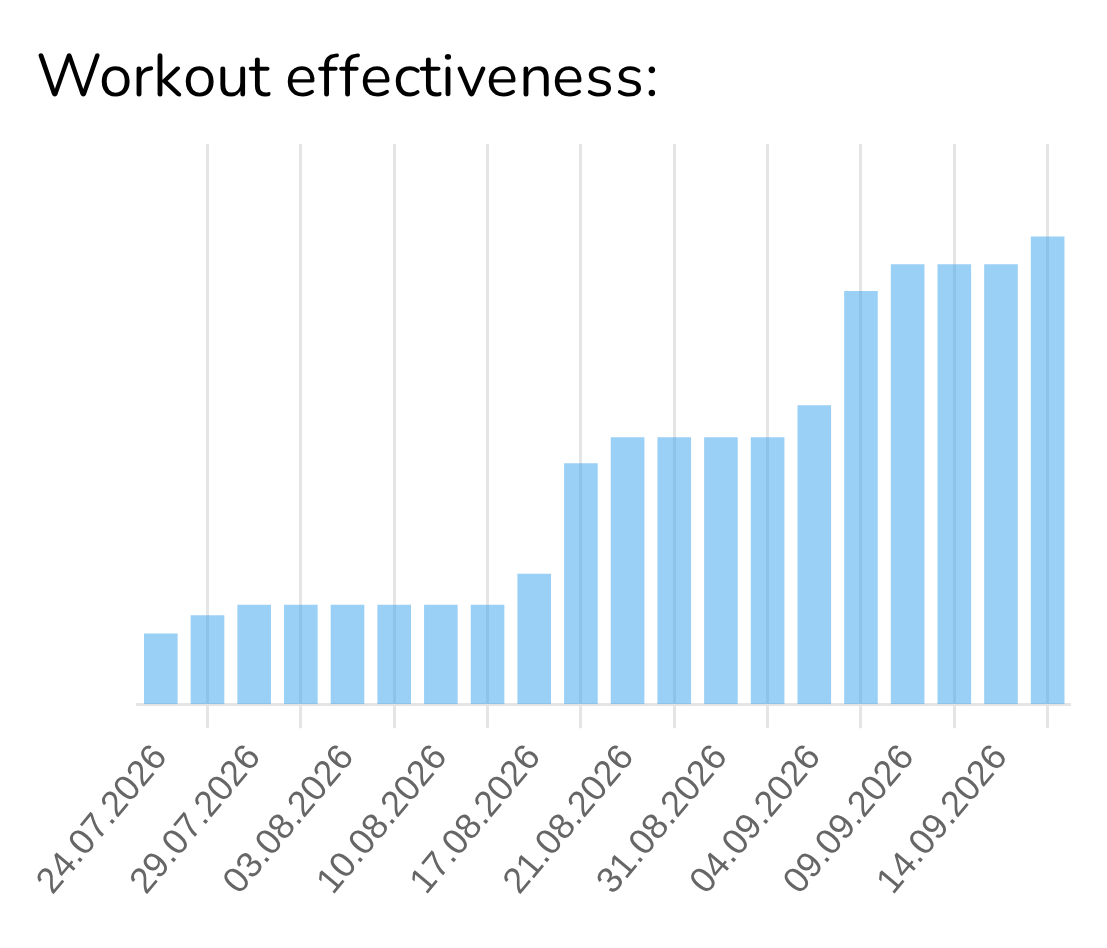
Today at a glance
One arrow tells you whether today beat the last time. Tap it and the last twenty days open as a graph.
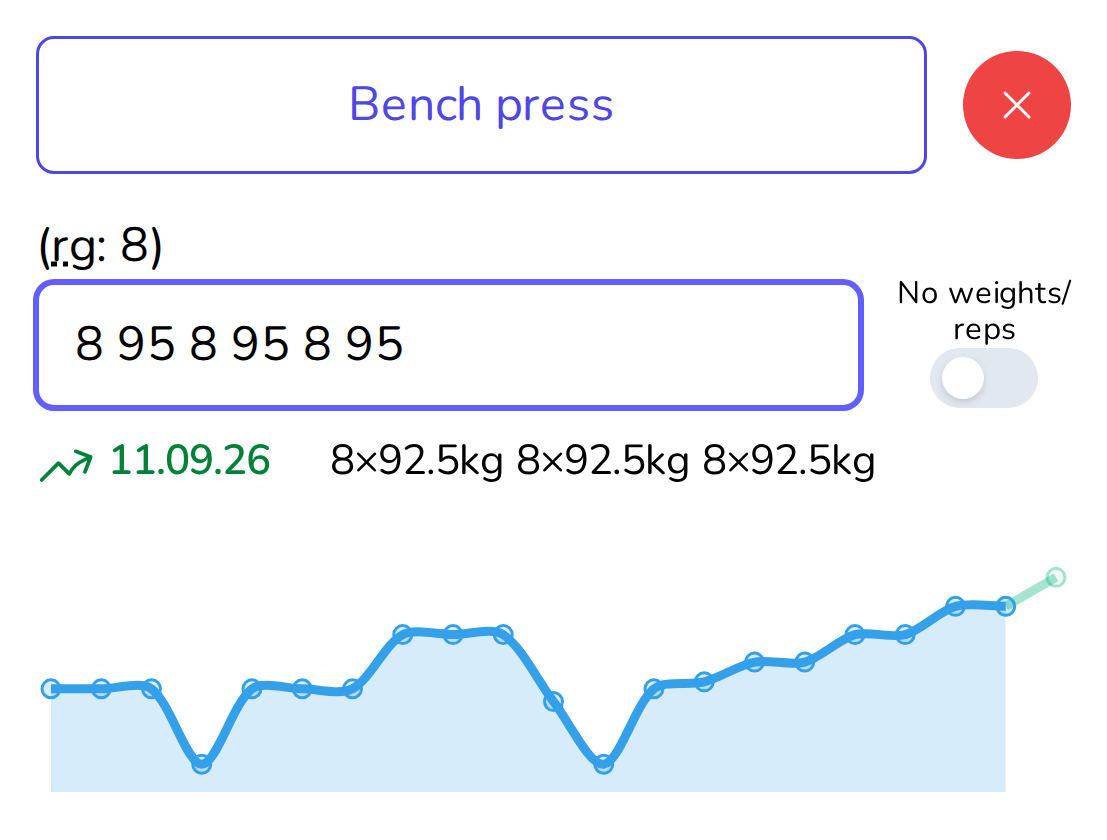
A history for every move
Choose a move and your best and latest sets are already on screen, with a curve showing which way that move has been heading.
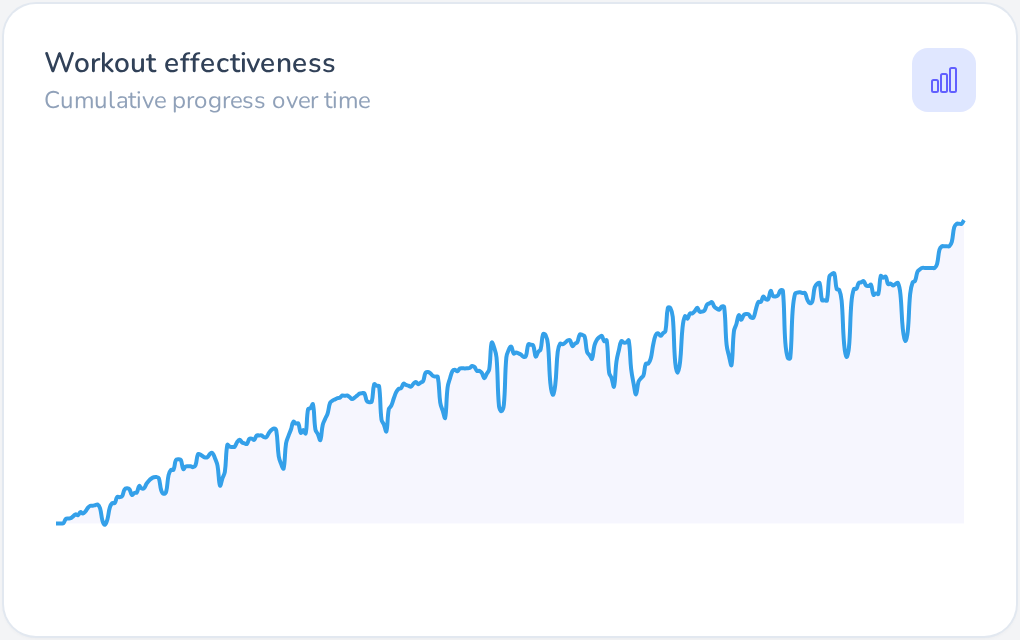
Years on one graph
Zoom out and every session you have ever logged becomes one line — the one that ought to be climbing.
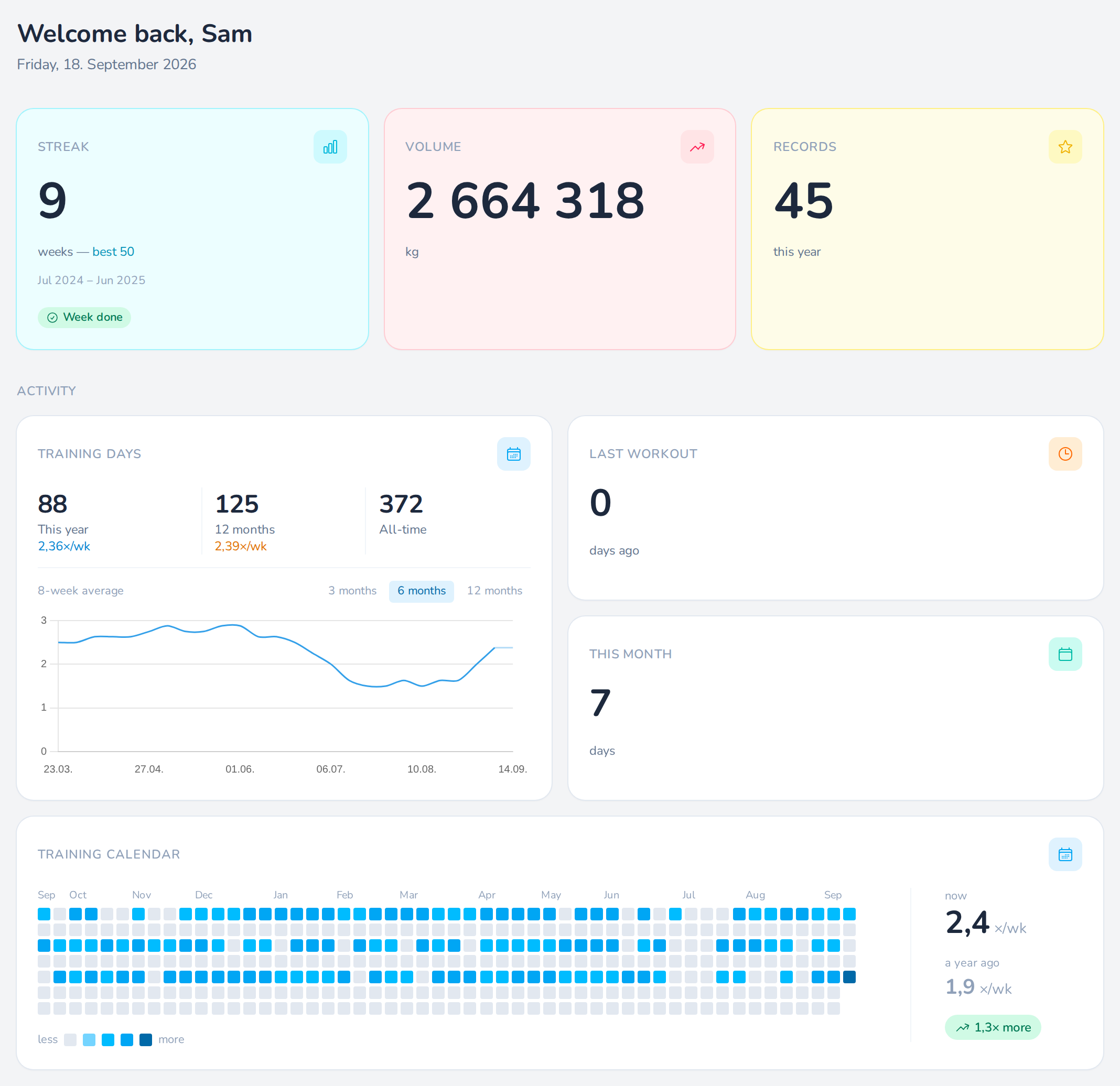
Streaks, records and volume
Your dashboard keeps score for you: your streak of training weeks, this year's records, every kilo you have lifted, and a calendar of every training day in the past year.
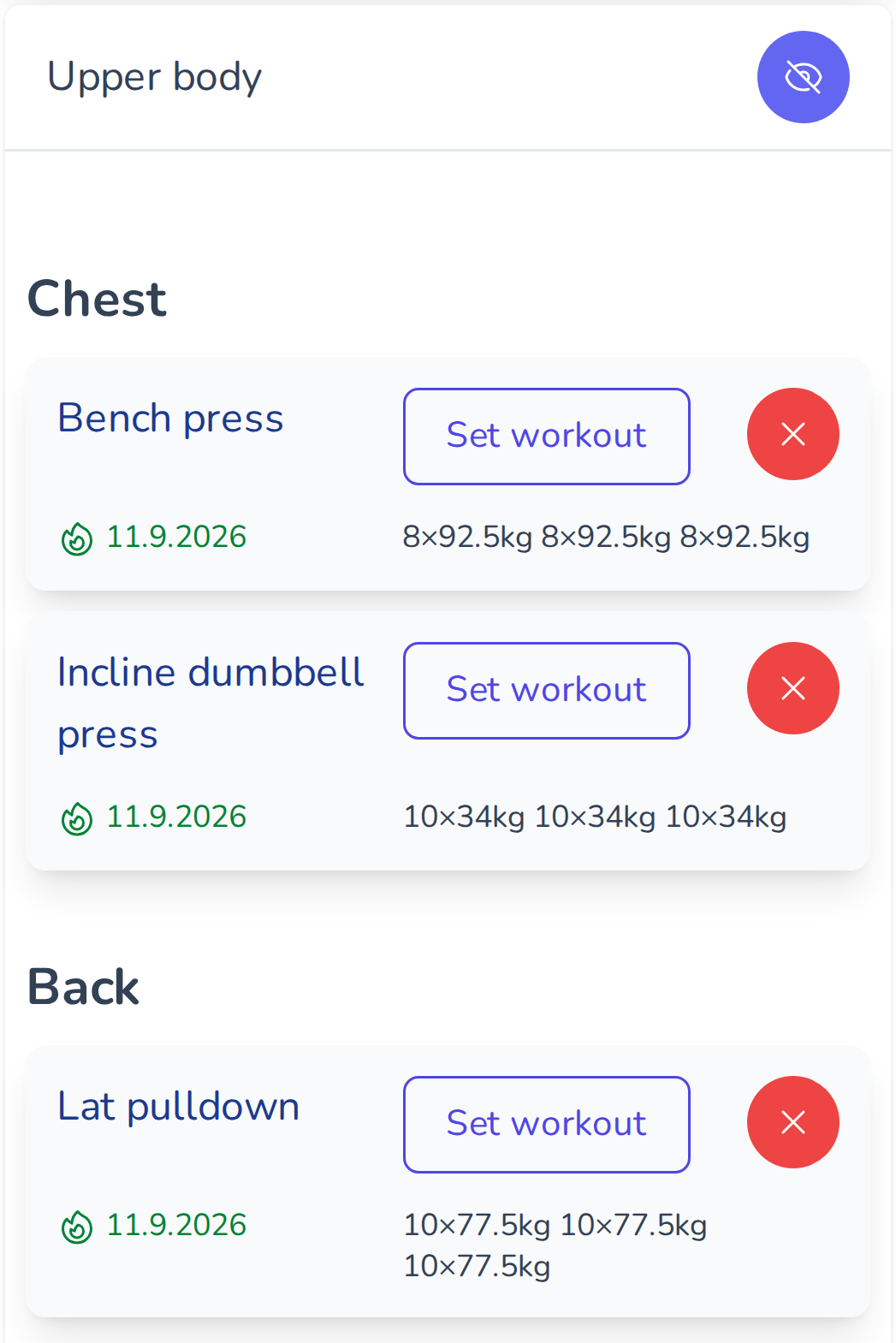
Your routines, ready to go
Save a routine once and drop the whole day onto the screen with one press when you walk in. Or let the app suggest the moves you have been avoiding.
Your App, Your Style
Pick the look that fits your mood — classic light, easy-on-the-eyes dark, or bold pink.
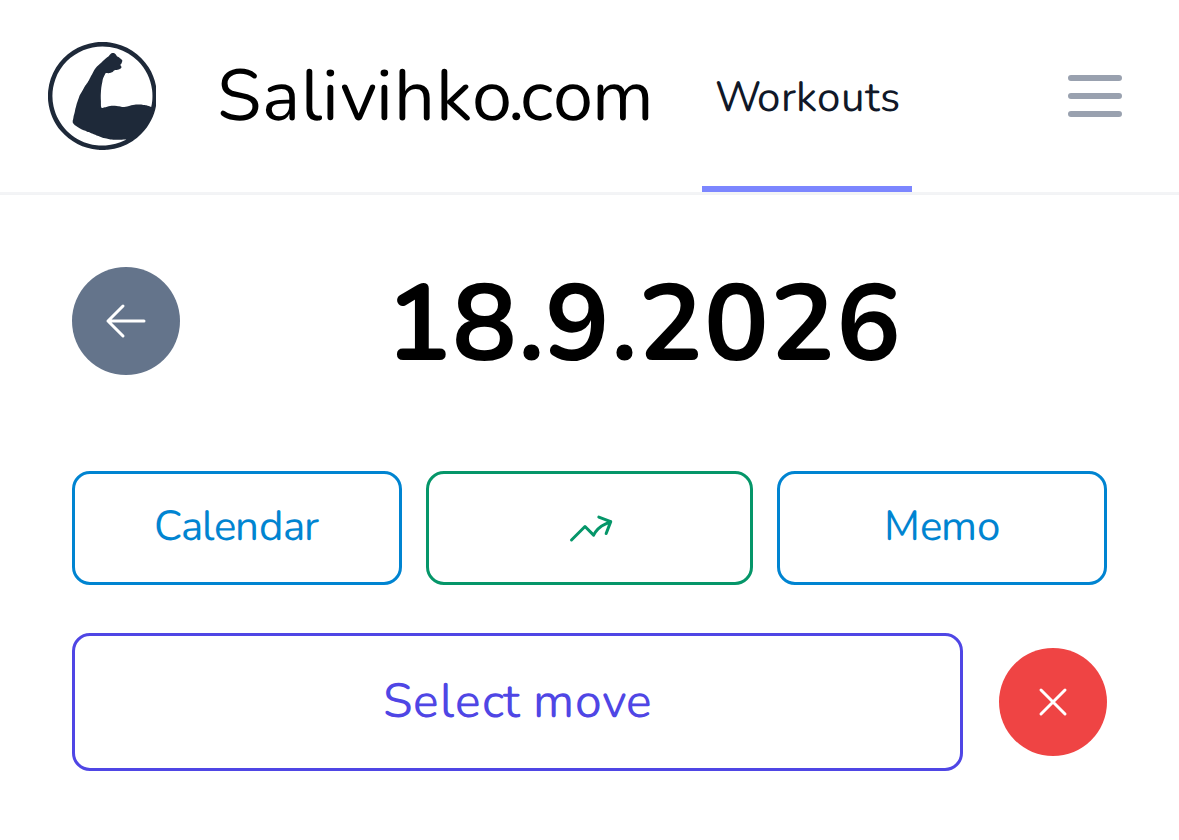
Light mode
Bright and crisp for daytime sessions.
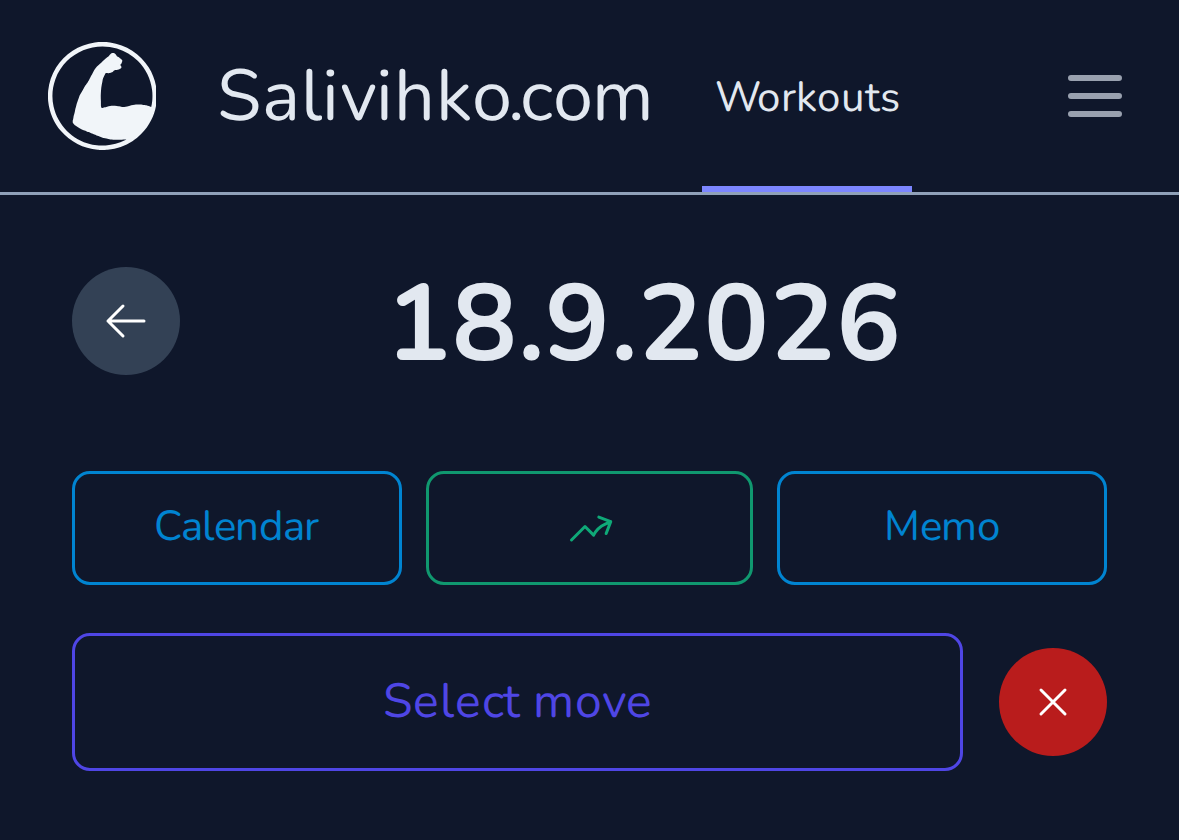
Dark mode
Easy on the eyes when training in low light.
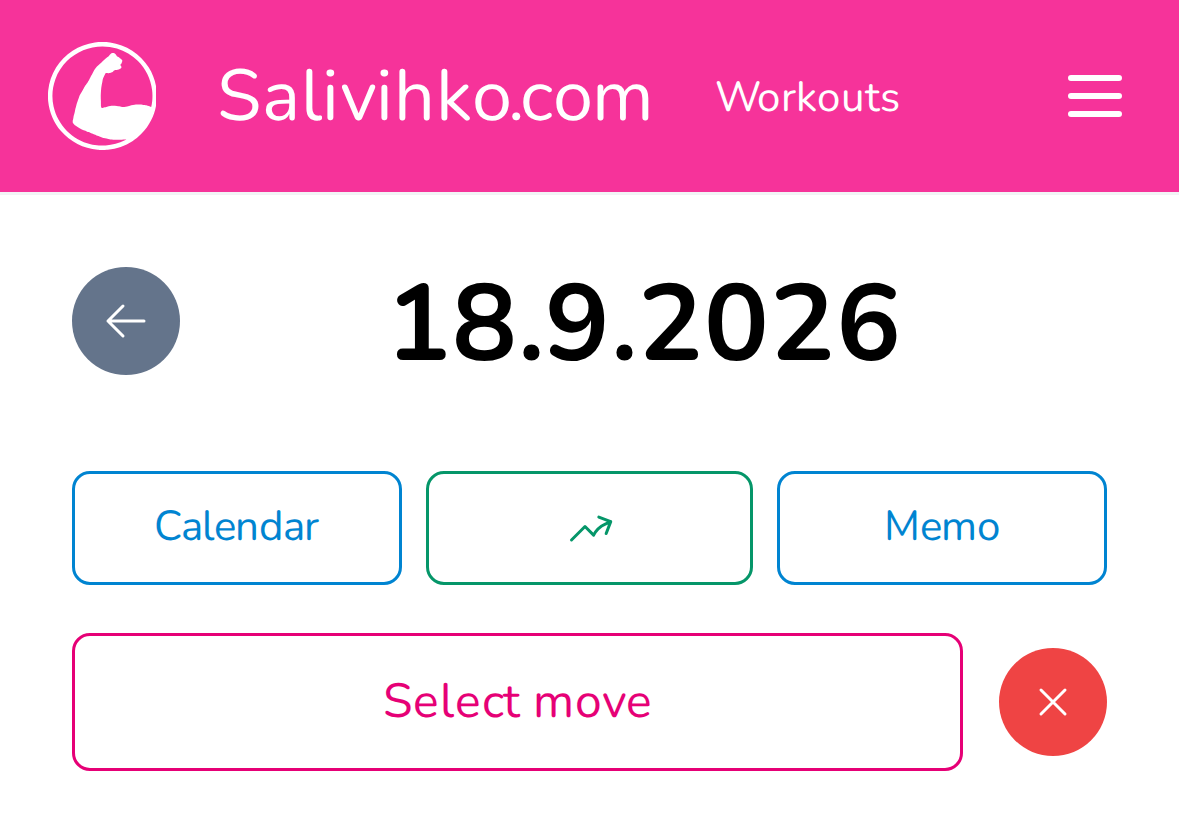
Pink mode
Stand out from the crowd with our vibrant pink theme.
Install as an App
Add Salivihko to your home screen — no app store required.
No storage used
Runs in the browser — your device storage stays free.
Always up to date
No manual updates — you always get the latest version automatically.
Works everywhere
iOS, Android, and desktop — install once, use anywhere.
For personal trainers
Coach your own clients
Take on your own clients in Salivihko, follow their training, and set up ready workout days and moves for them.
Create an account and send us a message from inside the app — we will switch your trainer tools on.